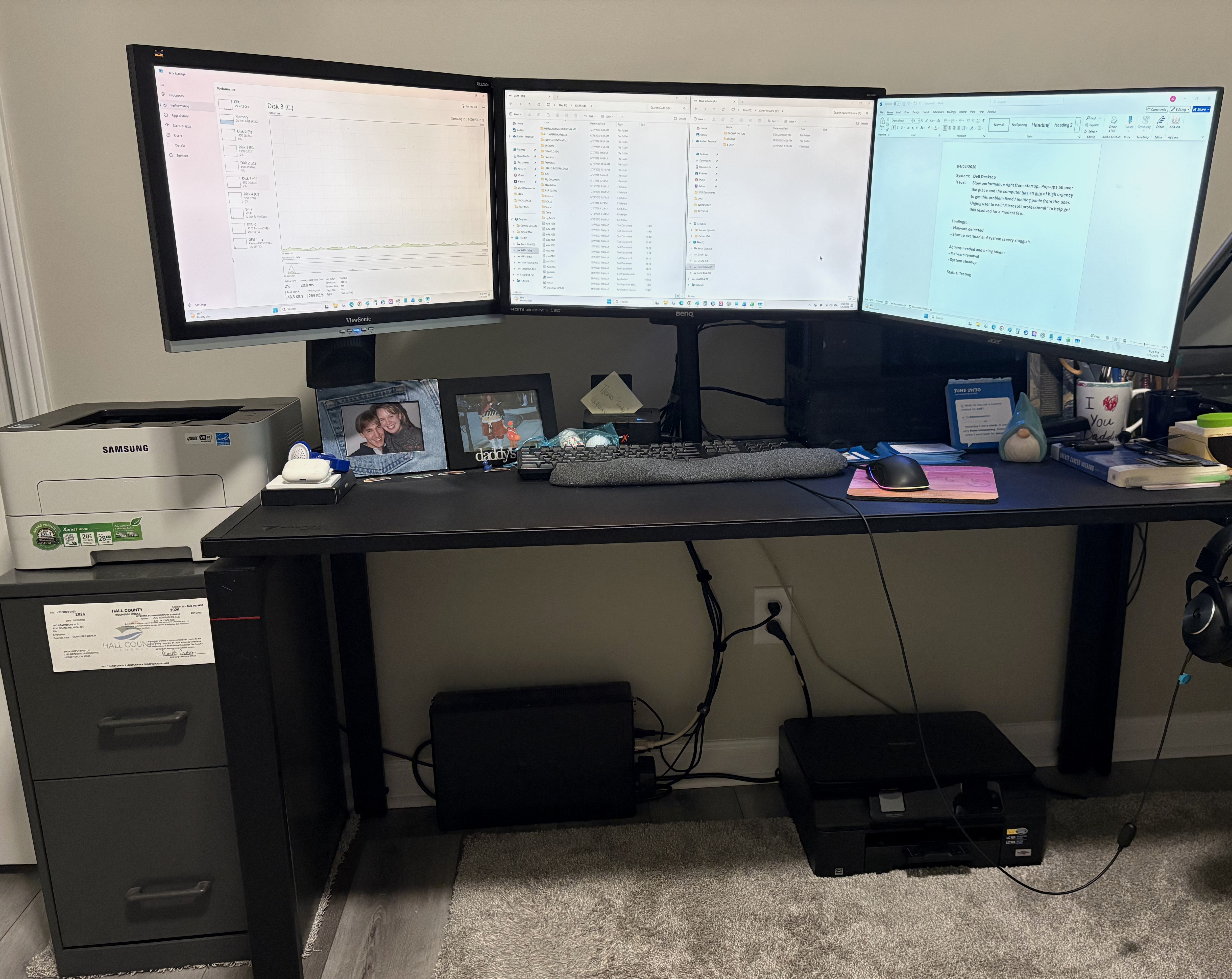
Main Bench
Main Workbench
This is the primary workstation I use for diagnostics, software setup, testing, and general computer work.
I thought it might be helpful to show the actual workspace where I work on computers. When I pick up or otherwise receive a system for repair, it usually ends up right here on this bench for diagnostics, repairs, upgrades, cleaning, or custom build work.
This isn't a showroom. It's a working area. The goal is to have a practical space where I can safely open systems, test parts, troubleshoot issues, and put everything back together carefully. Some customers appreciate seeing the real environment where their computer is being handled.
Most local repair customers do not need to visit this workspace. I usually arrange pickup and return of the computer, while this page simply shows where the hands-on work and testing take place.
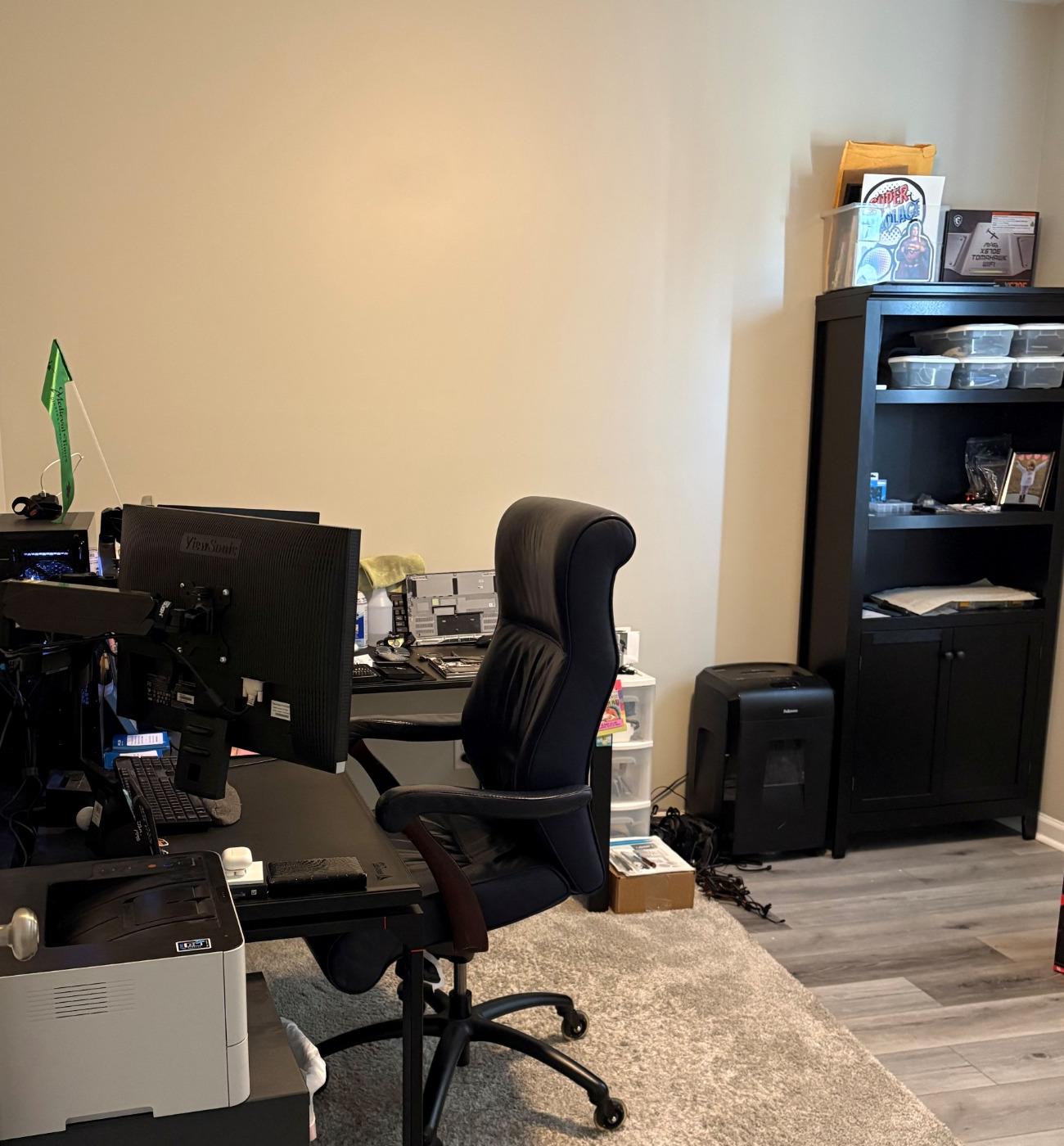
These photos show the bench and surrounding area where repairs and builds are actually done.
This is the primary workstation I use for diagnostics, software setup, testing, and general computer work.
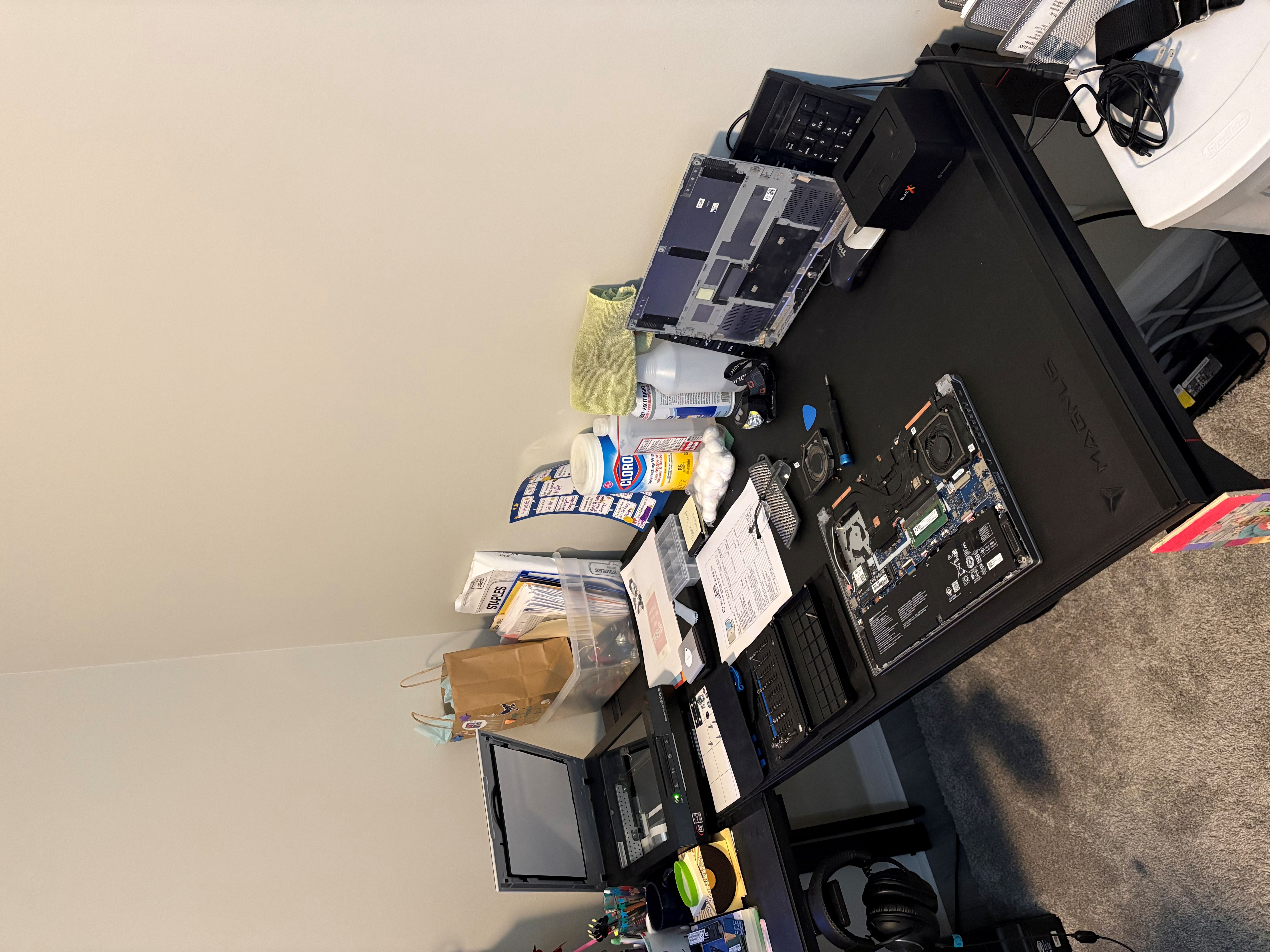
When a system needs to be opened for inspection or repair, this is the area where I lay things out and work through the problem step by step.
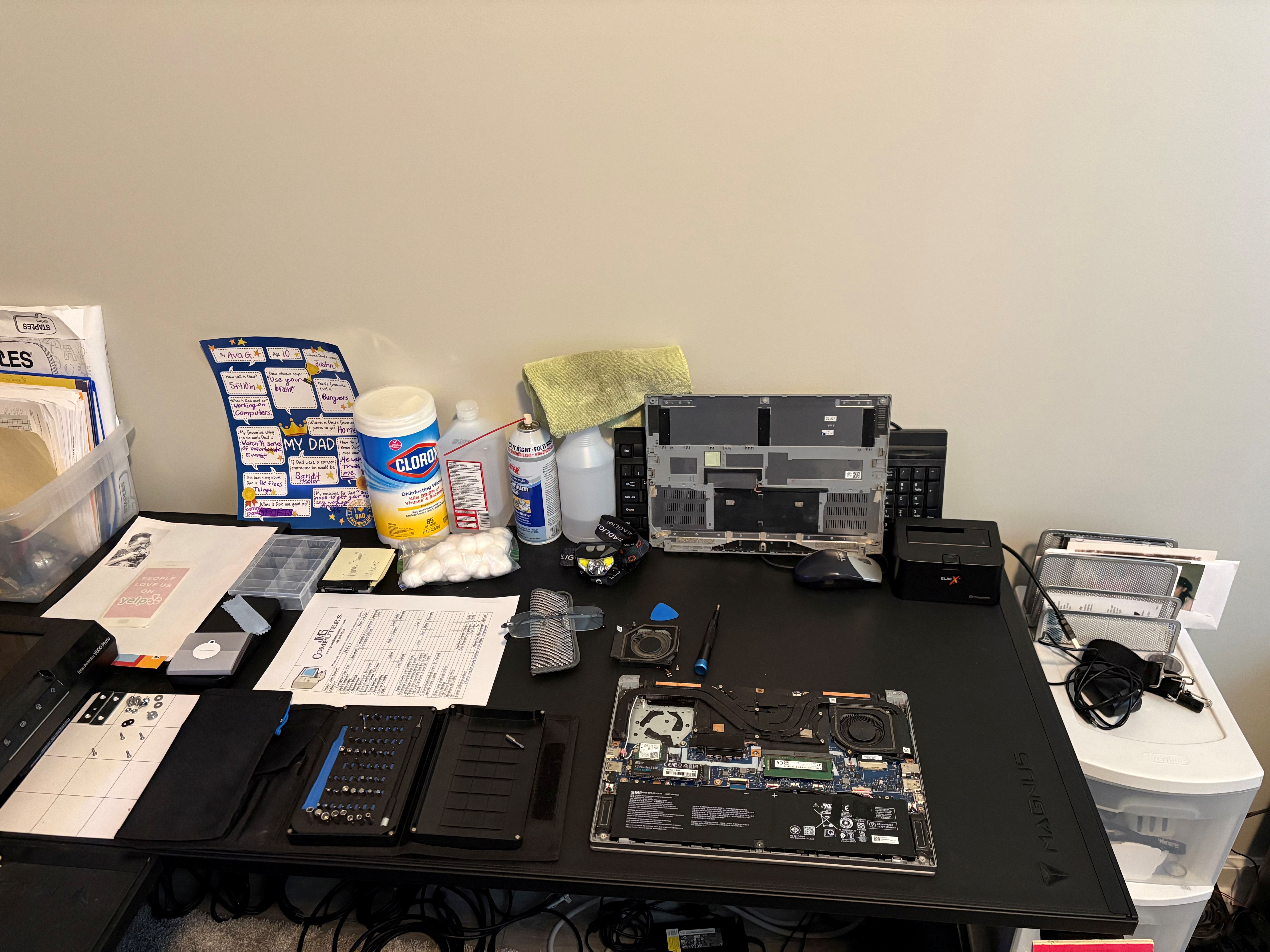
I keep the tools and small parts I use close by so repairs can be done carefully without losing track of screws, adapters, or components.
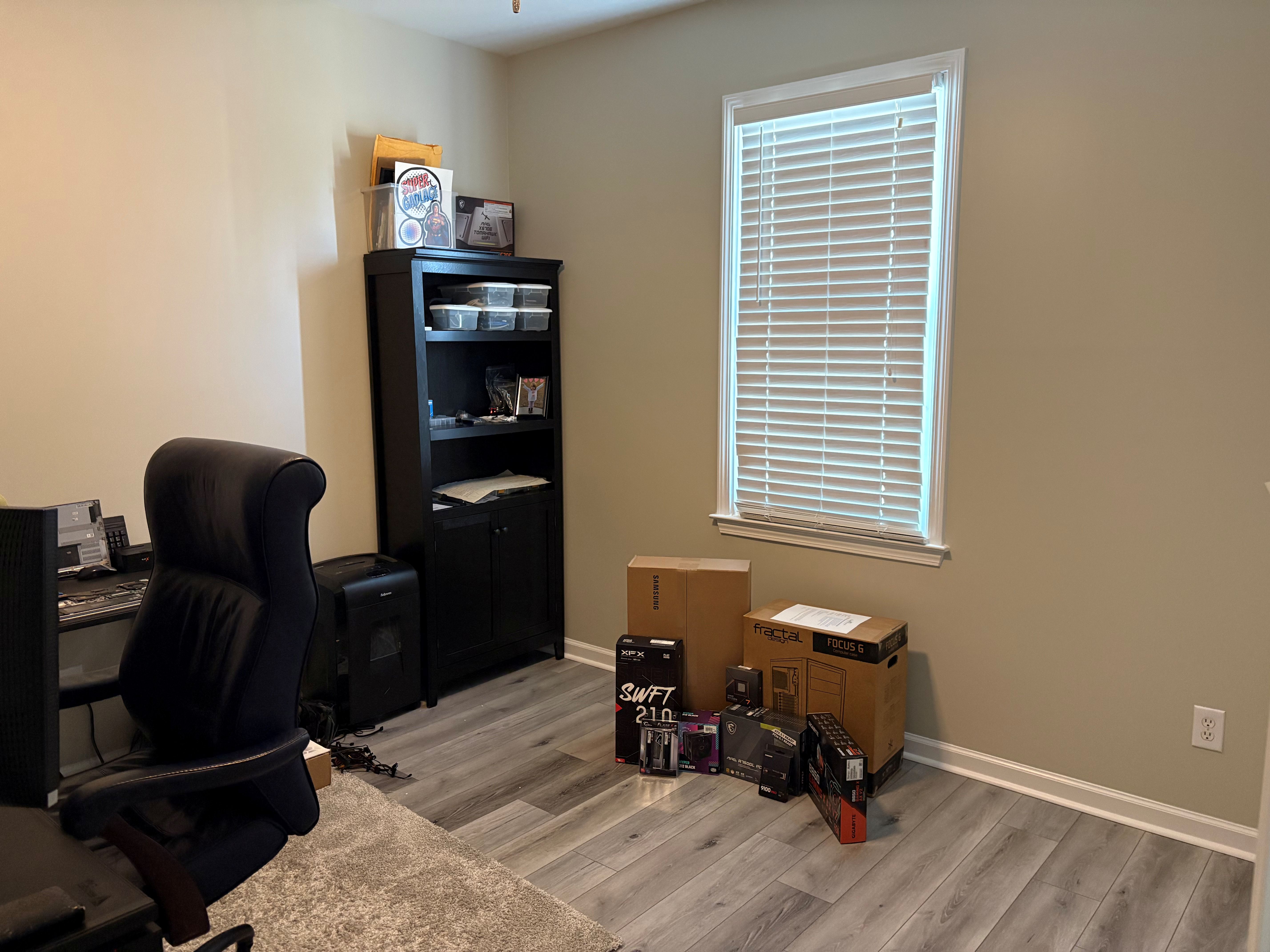
This side of the room is where I keep parts and new components close at hand for upgrades and custom computer builds.
I think it's helpful for customers to see the real place where their computer is being worked on instead of trying to make everything look staged.
Repair work needs a practical setup more than a fancy one. The goal is functionality, organization, and being ready to test different types of systems.
Even though it's a working area, I try to keep things arranged so repairs can be done carefully, efficiently, and without unnecessary confusion.
Most repair workspaces aren't spotless showrooms. They're places where systems get opened, parts get tested, and problems get solved. What matters most is that the space is set up to do the work properly.
When a computer comes in for service, I try to handle it the same way I would want my own system handled.
This is the area where most of the computer work happens.
When a computer isn't working correctly, the first step is figuring out what's actually causing the problem.
Once the issue is identified, this is where parts can be replaced or upgrades installed.
The same workspace is also where I assemble and test custom computers before delivering them to customers.
If you're dealing with a computer problem or thinking about an upgrade, feel free to reach out and we can talk about what you're trying to accomplish.
Contact JMG Computers, LLC